
Guide
My client has no LMS. Where do I put the course?
Give the client a training site of their own. You upload the course, their people sign in, and everyone can see who has finished. The client doesn’t buy or install anything.
Start your 14-day free trial5 seats, one site and 1 GB for 14 days. A card is needed, and nothing is charged unless you buy.
Without TrioLMS
- No sign-in
- No record of who finished
With TrioLMS
- Everyone signs in with a code
- Reports and certificates
The problem
You’ve built a course in Storyline, Rise or Captivate. The client is a small business, a charity or a team of 40, and they have no LMS. They want their people to take the course, and they want to know who has.
Without an LMS, the course is a zip file with nowhere to run, and nobody can show who finished it, which is often why the training was bought in the first place.
What people usually try
- A web export on a website or a shared drive. It plays, but there’s no sign-in and no record of who finished.
- A share or preview link from the authoring tool. It’s quick, but it isn’t meant for hosting, it can change or stop working, and it records little.
- Buying the client an LMS. That’s more than a small team needs, and someone has to look after it.
How it works in TrioLMS
- Start a free trial. Your account comes with one site.
- Name the site after your client, at clientname.triolms.com, or at their own address with the custom domain add-on.
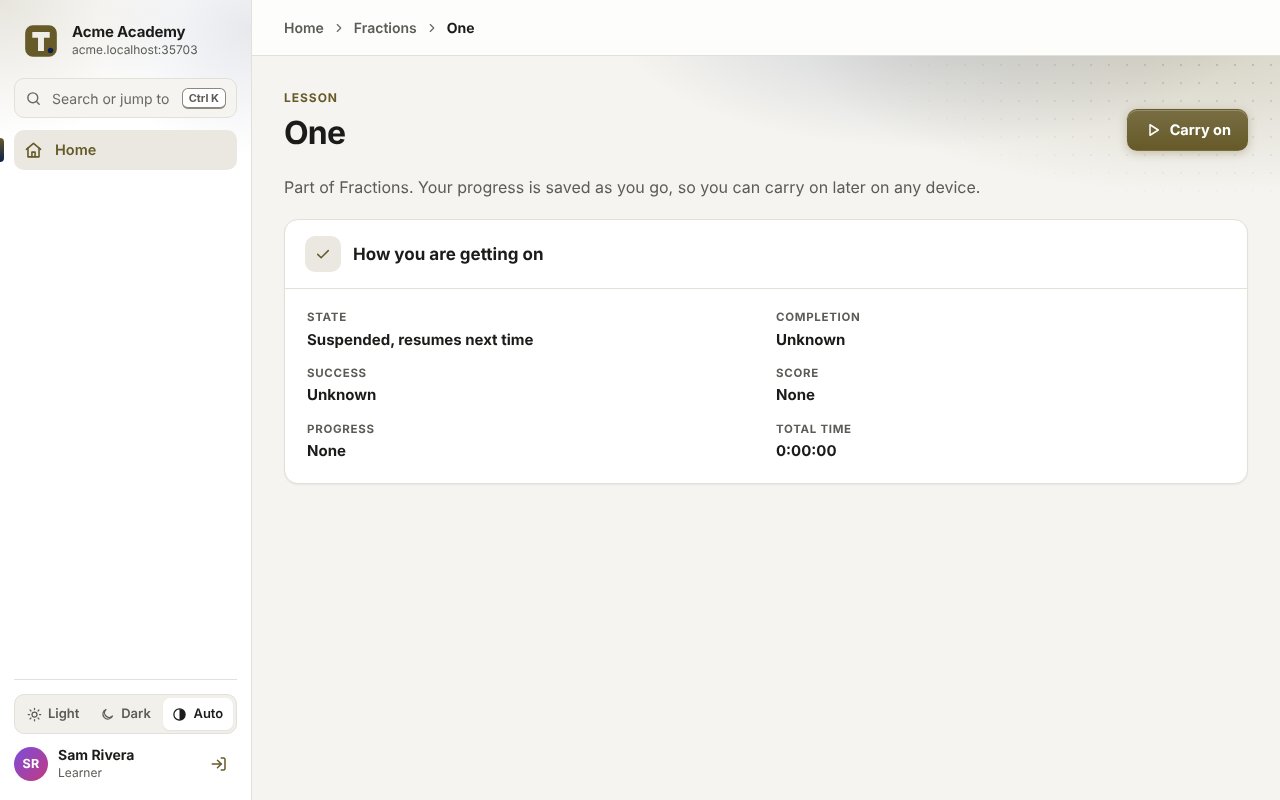
- Upload the course’s SCORM 1.2, SCORM 2004, xAPI or cmi5 export. It arrives as a draft, and goes live when you approve it.
- Add the client’s people one by one or from a spreadsheet. Each gets an email to confirm their address, then signs in with a code sent by email. Nobody has a password.
- Put them in a group and give the group the course, with a due date if you like. Reminders go out by themselves.
- See who has finished in the reports, and download them as a spreadsheet or PDF. Each certificate has a code anyone can check.
What it doesn’t do
- It isn’t white-label. The site carries the client’s name, but the TrioLMS name shows in places, and certificates are checked at triolms.com/verify.
- It isn’t a shop. TrioLMS never takes payment from the client’s people; you bill your client yourself.
- Everyone who signs in needs an email address, or a company sign-in with the single sign-on add-on.
- Everyone in the site uses one of your seats, including you if you sign in to run it.
What it costs
You pay TrioLMS monthly for your account and what you add to it, and charge your client as you choose, often a set-up fee and a monthly fee. The worked example for a freelancer with three clients shows the price in your currency.