
Guide
How do I keep control of a SCORM course after I hand it over?
Don’t hand over the file. Keep the course on a site you control and give the client’s people access to it there. Then you decide how many can use it and for how long, and you can see who does.
Start your 14-day free trial5 seats, one site and 1 GB for 14 days. A card is needed, and nothing is charged unless you buy.
Without TrioLMS
- Never expires
- No limit on users
- You can’t see who uses it
With TrioLMS
- The seats set the limit
- A last day ends it
- Reports show who uses it
The problem
You license a course to a client for a year, or for 200 people. You send the SCORM zip, they upload it to their LMS, and from then on it’s theirs: it never expires, anyone they add can take it, and you can’t see whether it’s used.
People try to fix this inside the course, but a SCORM package is just files that run in someone else’s LMS. It can’t enforce a date or a number of users on its own, and anything built into it can be taken out.
What people usually try
- An expiry date written into the course. A copy of the files gets around it, and changing it means sending a new zip.
- A password on the course. Once it’s shared, it’s shared.
- Trusting the client to say how many people used it. That works until the contract ends.
How it works in TrioLMS
- Keep the course on TrioLMS. Make a site for the client and upload the course there, instead of sending the zip.
- Give the site the seats the client paid for. Everyone in it uses one, so it never holds more people than that.
- If the licence ends on a date, give the course its last day. After it, nobody can open the course, and every record is kept.
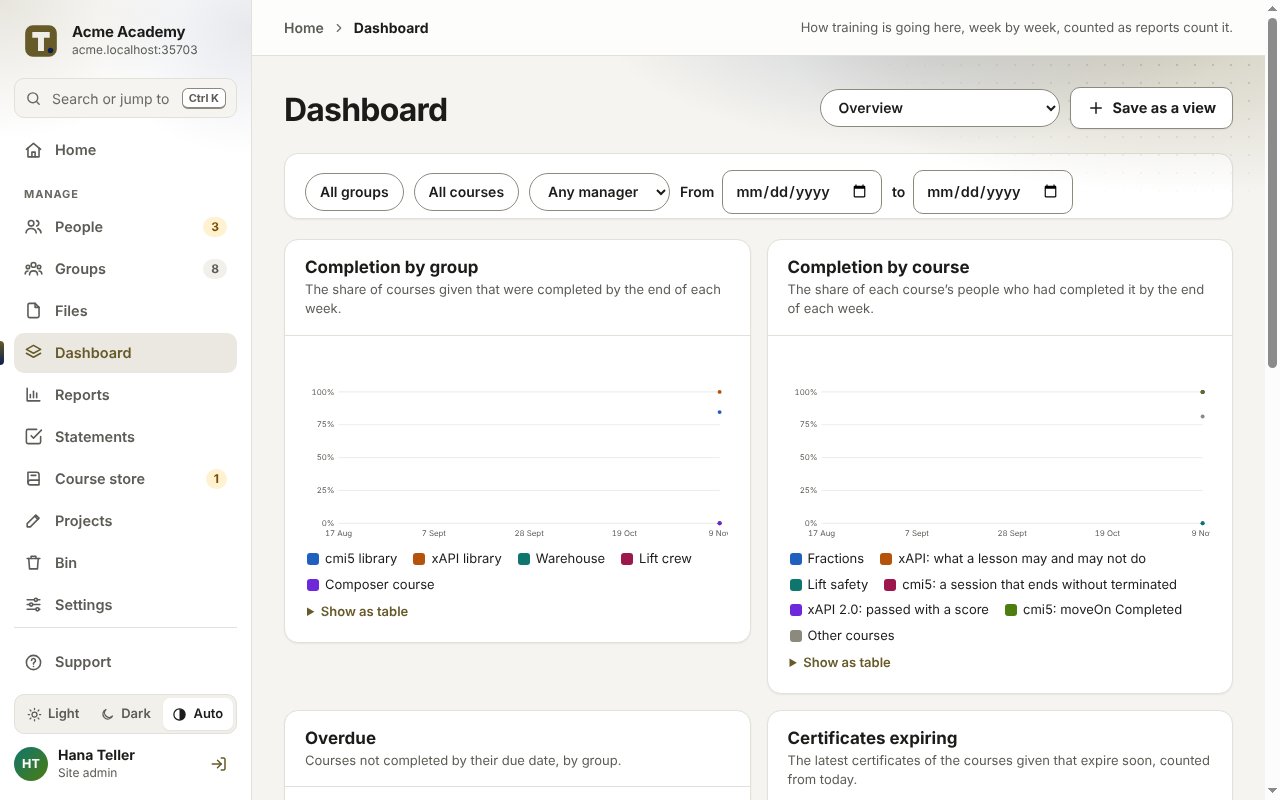
- See who started and who finished at any time, in the site’s reports.
- Update the course in one place: upload a new version and everyone gets it.
- When the contract ends, archive the site from your account at your next billing date. Its seats stay in your pool for another client or come off your bill, and its records are kept, read-only, for the audit period. The client’s admins can export their records first.
What it doesn’t do
- If the client must run the course inside their own LMS, this doesn’t help. TrioLMS has no package that plays from our side inside another LMS.
- Nothing stops someone recording their screen or copying the words. Keeping the course on TrioLMS controls who can open it, not every copy of what it shows.
- Each person needs their own account with an email address, which some clients will need to agree to.
What it costs
Each client you host this way is a site on your account, with its share of your seats. The worked example for a studio with 15 clients shows the price in your currency.