
Guide
Rise.com is closing. Where do our courses go?
Articulate has said Rise.com ends all support and operations on 31 December 2026. If you’d rather not move to Reach 360, you can export your courses, upload them to a site of your own and add your learners.
Start your 14-day free trial5 seats, one site and 1 GB for 14 days. A card is needed, and nothing is charged unless you buy.
Without TrioLMS
- Courses need a new home
- Learners need a link that lasts
With TrioLMS
- SCORM and xAPI exports play as they are
- Learners added from a spreadsheet
- Your address, for as long as you keep it
The problem
Articulate’s release notes say Rise.com will end all support and operations on 31 December 2026. Its own route is a move to Reach 360, which keeps your learners and reports, with your address changing to reach360.com.
If you’d rather run your courses somewhere else, they need a new home before then, with sign-in and records, and an address your learners can keep using.
What people usually try
- Moving to Reach 360. It’s Articulate’s own route and keeps your data, but it ties your courses to Articulate 360.
- Share or preview links from the authoring tool. They’re quick, but they aren’t meant for hosting and record little.
- Your client’s or your company’s own LMS, where there is one. Often there isn’t, which is why Rise.com was used.
How it works in TrioLMS
- Before Rise.com closes, keep the reports you need. Articulate says it can’t export them from Rise.com, so save what its reports show, or keep them in Reach 360.
- Export each course from Rise 360 or Storyline as SCORM 1.2, SCORM 2004 or xAPI. If a course only exists in Rise.com, check with Articulate how to get it out first.
- Start a free trial, name your site, and give it your own address with the custom domain add-on, so the link is yours whatever you use later.
- Upload each course. It arrives as a draft, and goes live when you approve it.
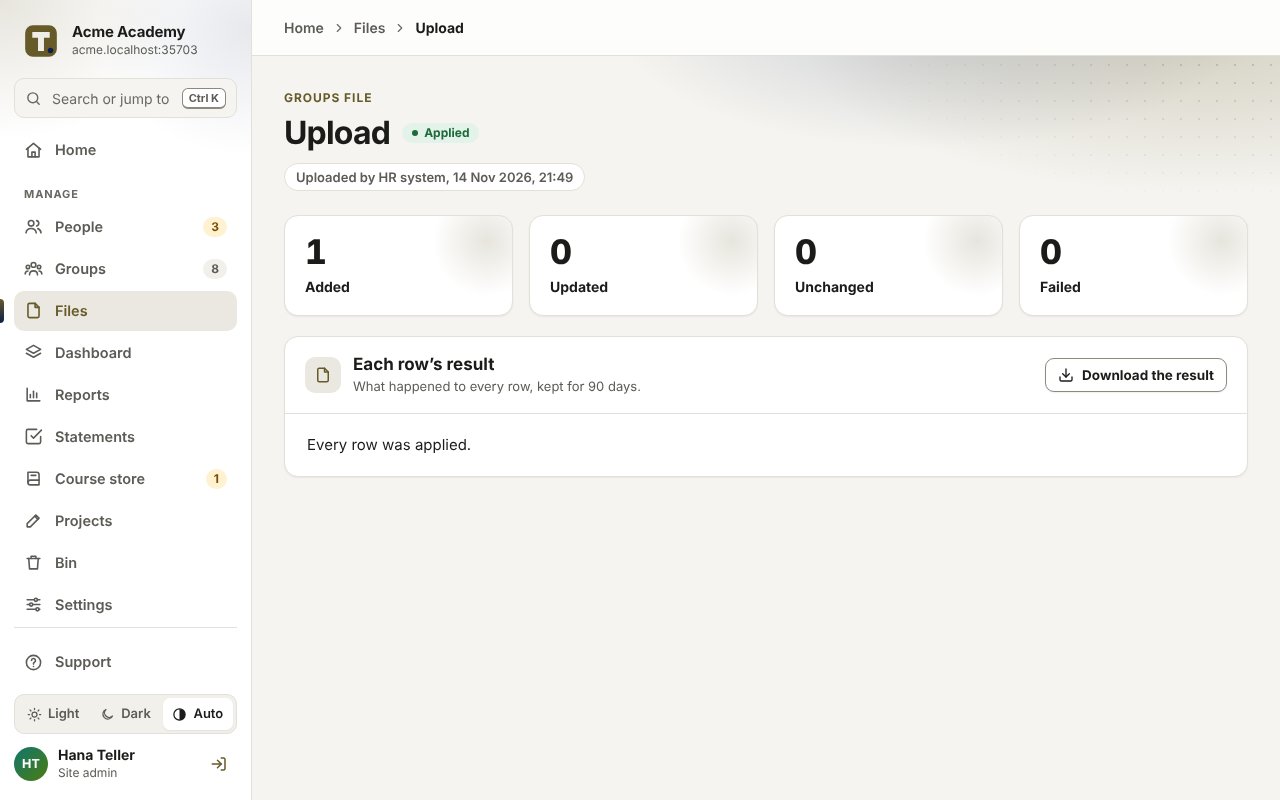
- Add your learners from a spreadsheet, put them in groups and give each group its courses. Each learner confirms their email address, then signs in with a code.
- See who has finished in the reports, and download them as a spreadsheet or PDF.
What it doesn’t do
- Past completions don’t come across. Learners start the moved courses afresh, so keep Rise.com’s records separately.
- Courses come across as exports from your authoring tool, not as Rise.com courses, and TrioLMS doesn’t edit them.
- It isn’t white-label. Your site carries your name, logo and colours, but the TrioLMS name shows in places.
What it costs
You pay TrioLMS monthly for your account and the seats you add, with no yearly contract. Work out the price for your number of learners in your currency.