
Guide
Our course is on our website or SharePoint. How do we see who finished?
Keep your website or intranet as the way in, and link to a training site where the course plays. People sign in, and you see who has finished.
Start your 14-day free trial5 seats, one site and 1 GB for 14 days. A card is needed, and nothing is charged unless you buy.
Without TrioLMS
- No sign-in
- Nothing records who finished
With TrioLMS
- Linked from your intranet
- Everyone signs in
- Reports and certificates
The problem
The course plays fine from your website, SharePoint, a file server or a storage bucket. But a SCORM course reports to the LMS that launched it, and a web page or a document library isn’t one, so nothing is recorded.
Putting it in a frame on a page doesn’t change that, and building your own tracking means writing a SCORM runtime, which is weeks of work.
What people usually try
- Putting the course in a frame on a web page. It plays, but there’s nobody signed in and nothing to report to.
- A link in SharePoint or a shared drive. It’s easy to find, but it’s the same file with nothing recording who opened it.
- Writing your own tracking. It can be done, but it means building and maintaining a SCORM runtime and a place for its data.
How it works in TrioLMS
- Start your 14-day free trial and upload the course’s SCORM 1.2, SCORM 2004, xAPI or cmi5 export. It goes live when you approve it.
- Put a link to your site on your intranet page or in SharePoint, where people already look.
- Add your people one by one or from a spreadsheet. They sign in with a code from their email, or with your company sign-in through the single sign-on add-on.
- Give each group its courses, with a due date if you like. Reminders go out by themselves.
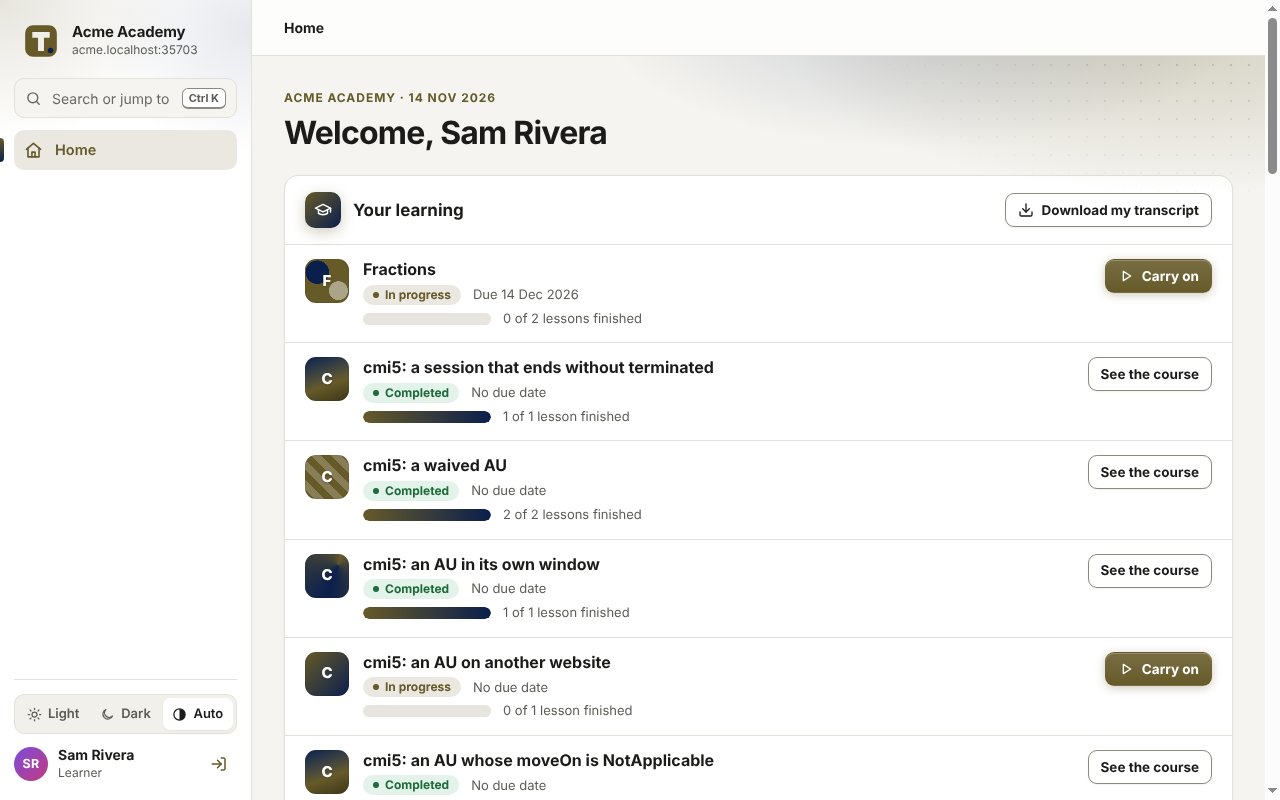
- See who has finished in the reports, and download them as a spreadsheet or PDF.
- An xAPI course that has to stay on your own server can still send its statements to the site’s learning record store, with keys you make in the site.
What it doesn’t do
- TrioLMS can’t track a SCORM course that stays on your website. The course has to be uploaded to the site.
- Statements from an xAPI course on your own server are kept in the learning record store, not in the course reports or certificates.
- Everyone who signs in needs an email address, or a company sign-in with the single sign-on add-on.
What it costs
You pay TrioLMS monthly for your account and the seats you add, with no yearly contract. Work out the price for your number of people in your currency.