
Guide
How do I host a SCORM course for people outside my organisation?
Put the course on a training site of your own. You add your customers, partners or members, they sign in with a code from their email, and you see who has finished.
Start your 14-day free trial5 seats, one site and 1 GB for 14 days. A card is needed, and nothing is charged unless you buy.
Without TrioLMS
- Anyone with the link can open it
- No record of who finished
With TrioLMS
- Only the people you add can sign in
- Reports and certificates
- No passwords to reset
The problem
Your learners aren’t your staff. They’re customers, partners, members or people you train for a fee, and they need to sign in from anywhere, on any device.
A course needs an LMS to record who finished, and a staff LMS isn’t built for people outside the company, while a public web link records nothing.
What people usually try
- A SCORM hosting service built for developers and other LMSs. It plays and tracks packages well, but signing learners in and giving them courses is left to you.
- The web export on your website. It plays, but anyone with the link can open it, and nothing records who finished.
- Your staff LMS. Outsiders often cost extra licences there, or get accounts that see more than they should.
How it works in TrioLMS
- Start your 14-day free trial and name your site, at yourname.triolms.com or your own address with the custom domain add-on.
- Upload the course’s SCORM 1.2, SCORM 2004, xAPI or cmi5 export. It arrives as a draft, and goes live when you approve it.
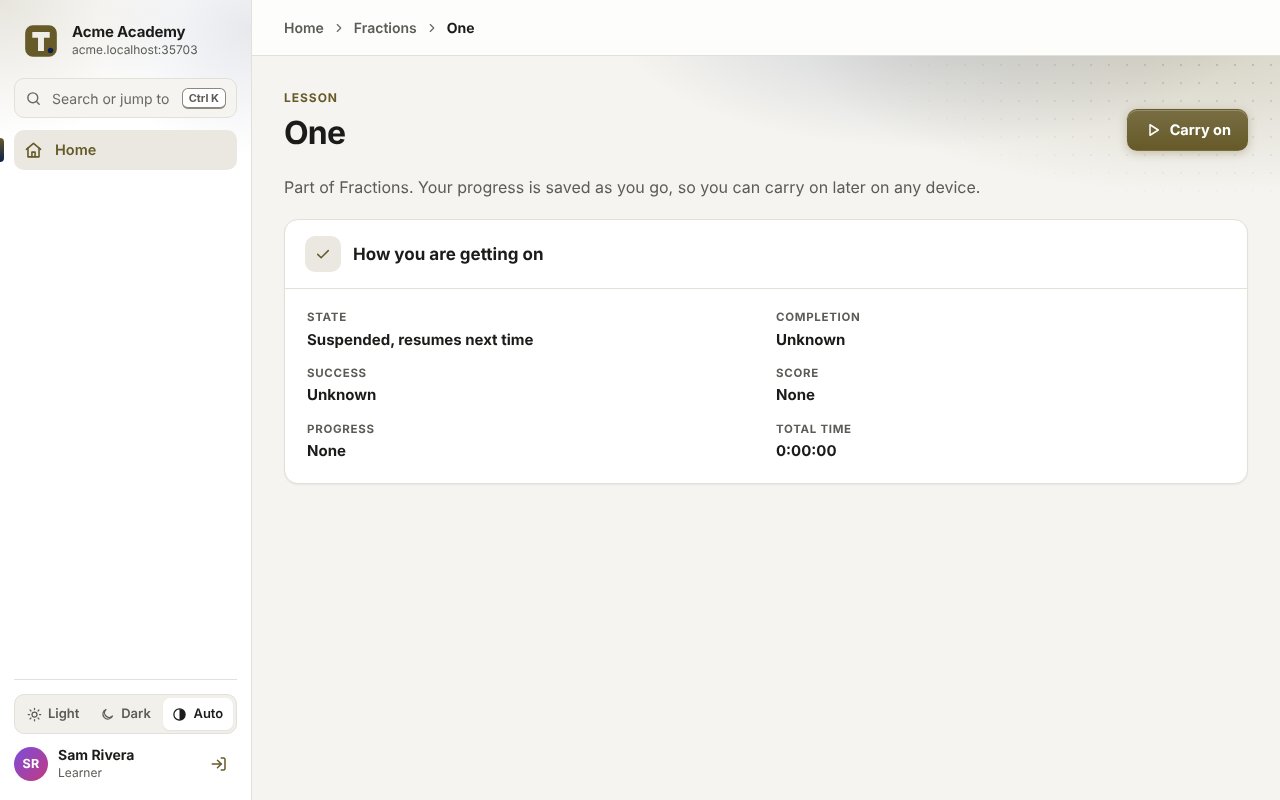
- Add your learners one by one, from a spreadsheet, or through the API from your own system. Each confirms their email address, then signs in with a code. Nobody has a password.
- Put them in groups, one for each customer, partner or cohort, and give each group its courses. A group can have its own manager who sees only that group.
- Reminders go out by themselves, and each pass gives a certificate with a code anyone can check at triolms.com/verify.
- See who has finished in the reports, and download them as a spreadsheet or PDF.
What it doesn’t do
- Learners don’t sign themselves up. You add them, by hand, from a spreadsheet or through the API.
- It isn’t a shop. TrioLMS never takes payment from learners, so you sell access yourself.
- Everyone in the site uses one of your seats while they’re in it. Removing someone frees their seat.
What it costs
You pay TrioLMS monthly for your account and the seats you add, with no yearly contract. Work out the price for your number of learners in your currency.