
Guide
How do I run training for many client organisations from one account?
Give each organisation a site of its own, all from one account. Each site has its own address, people, admins and records, and you keep one bill and one pool of seats.
Start your 14-day free trial5 seats, one site and 1 GB for 14 days. A card is needed, and nothing is charged unless you buy.
Without TrioLMS
- Every client in one list
- Or an account and a bill for each
With TrioLMS
- A site for each organisation
- Seats from one account
- Nobody sees another site’s people
The problem
You train people for several organisations: schools, charities, companies. Most LMSs give one account one list of learners and one look, so every client ends up mixed together, with groups and naming rules to keep them apart.
The way out is usually an account for each client, each with its own plan, bill and minimum number of users, which costs more than the work is worth for a client with 40 people.
What people usually try
- Groups or departments inside one account. It works until a client’s admin needs to add their own people, or sees another client’s names in a list.
- An account for each client. Each is separate, but each has its own bill and its own limits, and you sign in to every one.
- A platform built for many tenants. Some are, but they are usually priced and set up for large companies.
How it works in TrioLMS
- Start a free trial. Your account comes with one site, and you add a site for each organisation as you need it.
- Name each site after its organisation, at name.triolms.com, or at the organisation’s own address with the custom domain add-on. Give it the organisation’s logo and colours.
- Give each site its share of your seats. You can move seats between sites later, never below the people a site already has.
- Keep a course once in your account’s course library and copy it into each site that needs it. It arrives there as a draft for that site’s admin to approve.
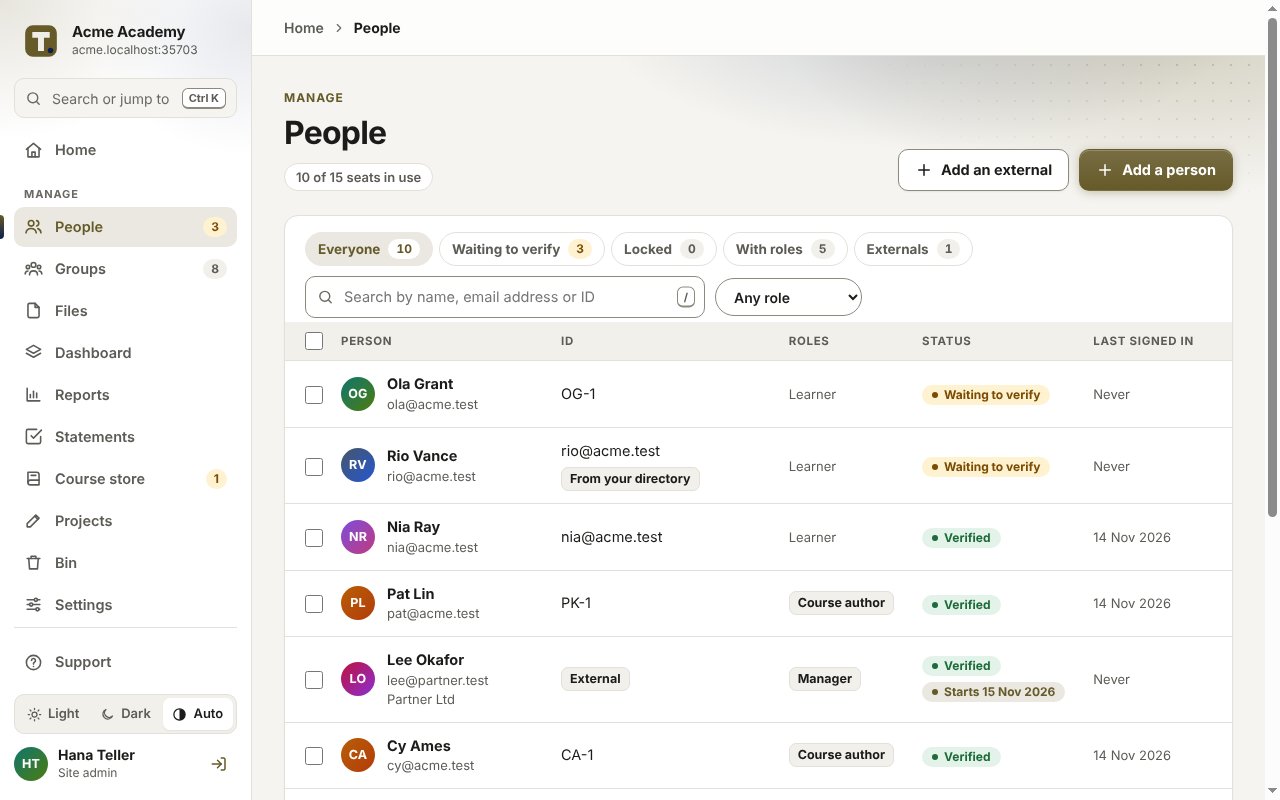
- Run each site yourself, or make someone at the organisation its admin. Admins and managers only ever see their own site’s people.
- Each site has its own reports, certificates and language settings, so each organisation gets its own records.
What it doesn’t do
- It isn’t white-label. Each site carries its organisation’s name, logo and colours, but the TrioLMS name shows in places.
- People are added to one site at a time. Someone who trains with two organisations has an account in each, and uses a seat in each.
- It isn’t a shop, so you bill each organisation yourself.
What it costs
You pay TrioLMS monthly for your account, its seats and each site past the first, and charge each organisation as you choose. The worked example for a studio with 15 clients shows the price in your currency.